
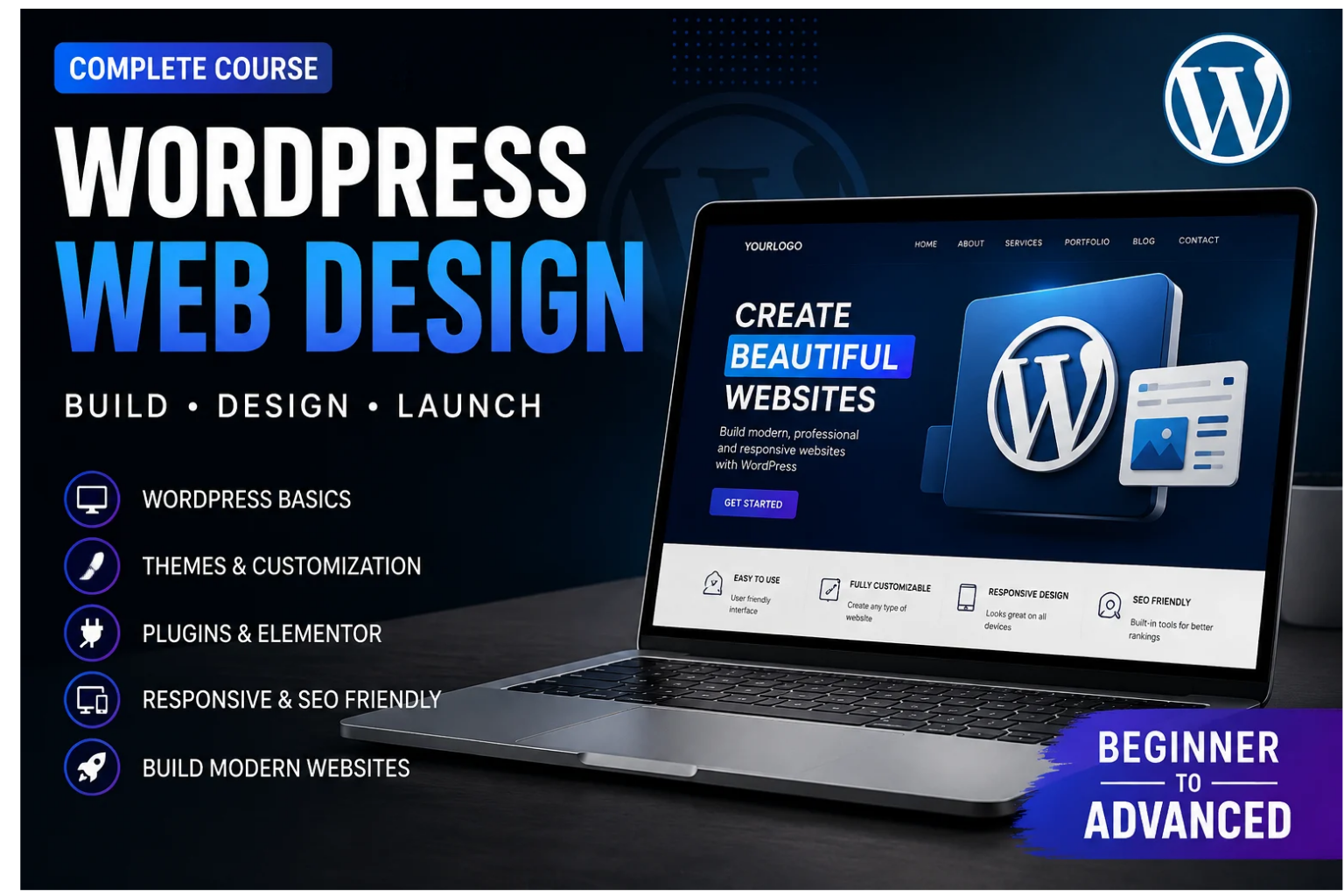
Website

Categories: Website design course
Wishlist Share

About Course

Learn the basics of WordPress and understand how it is used to create and manage websites. In this lesson, you will learn what WordPress is, how it works, and why it is one of the most popular platforms for building websites. This introduction will help you understand the WordPress dashboard, themes, plugins, pages, and other essential features.

Course Content

All about website
Welcome to our learning platform, where we make digital skills simple, practical, and accessible for everyone.

  • What is website
  • Introduction to WordPress

Installing WordPress
Learn how to install WordPress on your hosting.

Themes & Customization
Plugins – Description: Learn what WordPress plugins are and how they can add new features and functionality to your website. In this lesson, you will learn how to find, install, activate, update, and manage plugins safely. You will also understand how to choose useful plugins without slowing down or affecting your website.

Pages and post
Pages – Description: Learn how to create and manage important pages in WordPress. In this lesson, you will learn how to create pages like Home, About Us, Services, and Contact Us, add content and images, edit pages, and publish them on your website.

Student Ratings & Reviews

No Review Yet
No Review Yet
Scroll to Top